
This GC Column Series Flow Calculator estimates the outlet column flow (referenced to 25 °C and 14.696 psia) and the pressure at the mid-point for two capillary columns connected in series, based on column geometry, carrier gas, temperature, and pressure settings.
GC Column Series Flow Calculator Interface
Connection Diagram
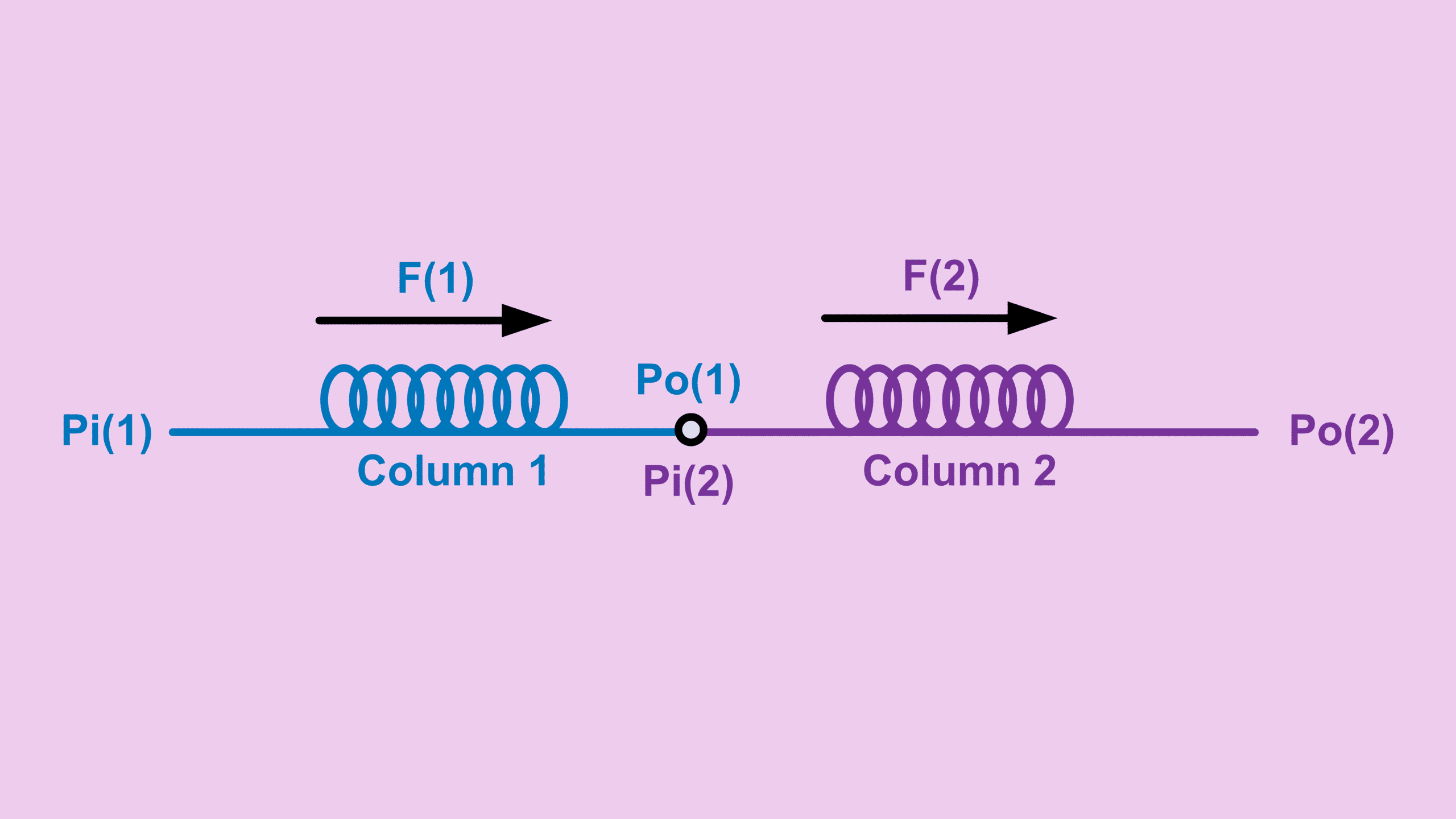
What inputs are required ?
- Dimensions and temperature of capillary column 1 and 2
- Column 1 inlet pressure and column 2 outlet pressure
- Carrier gas
Outputs of GC Column Series Flow Calculator
- Outlet flow
- Pressure at the connecting point of the two columns
Before You Go
Want to understand how this calculator works behind the scenes?
The full article with explanation will be published soon at GC Hardware.
This calculator assumes laminar flow through capillary columns and ideal gas behavior at standard reference conditions.
If your setup involves a different column configuration — such as a single column, three columns in series, mid-point pressure supply, or split flow arrangements — explore the other Free Calculators for accurate, configuration-specific results.
Browse related calculators below: