
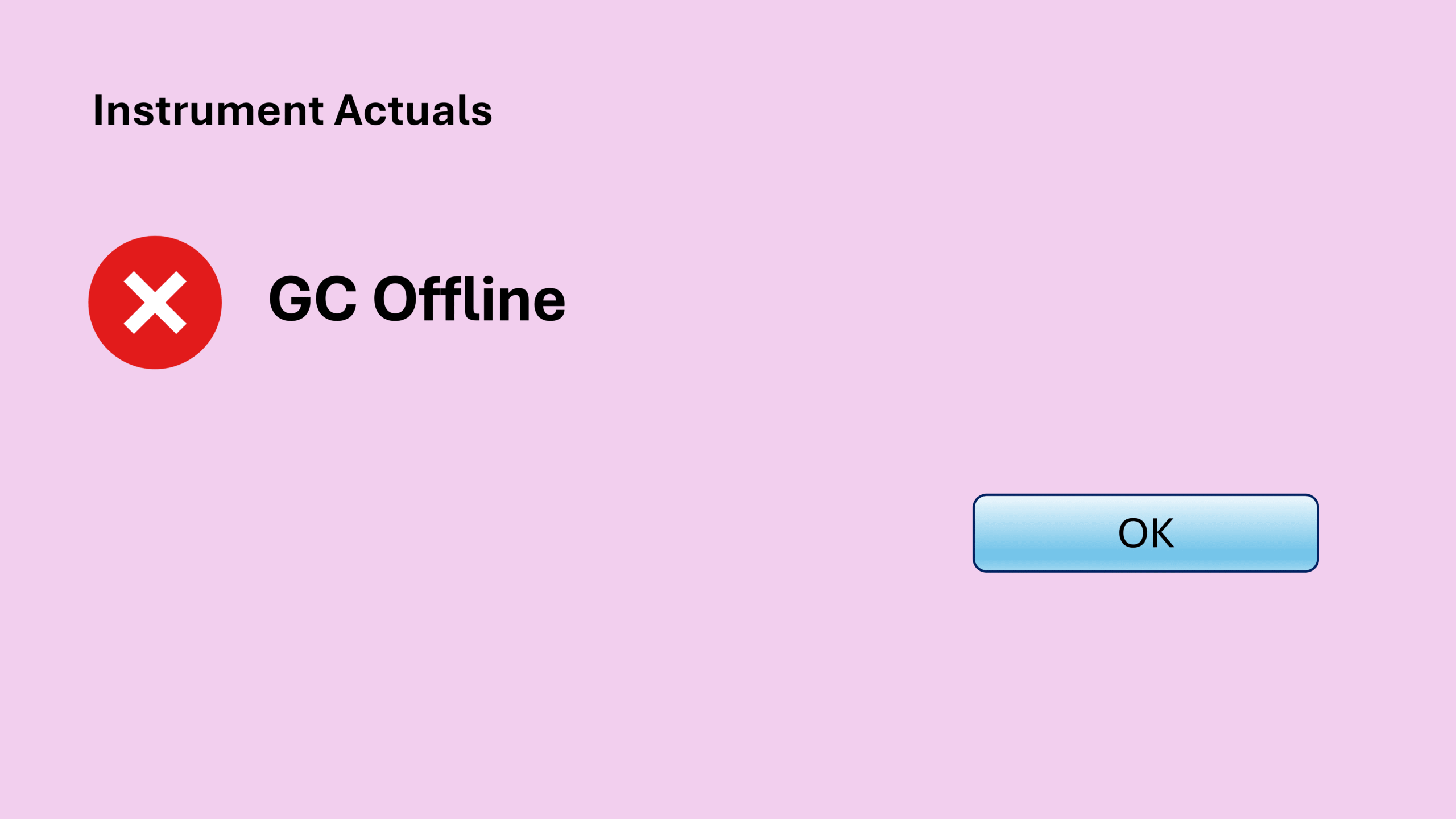
If you have ever encountered ChemStation GC offline exactly when starting a run, you know how frustrating it can be. Everything looks ready, the sequence is prepared, and the instrument appears connected. However, the moment you start a run, the GC suddenly goes offline.
Then about 10 seconds later, the GC comes back online again.
Unfortunately, that short disconnection is enough to prevent the sequence from starting. Restarting the sequence simply repeats the same cycle.
In this post, I will share a real troubleshooting experience where a ChemStation GC offline issue happened during run start and how a simple firmware update unexpectedly solved the problem.
Before we dive in, just to let you know that this article is part of my Chemstation Troubleshooting series which you can find the summary for all other related posts at ChemStation Troubleshooting: All Errors and Fixes in One Place.
Understanding the ChemStation GC Offline Behavior
The ChemStation GC offline issue described here happened only once or twice in my entire career, but when it happens it can be very confusing.
The situation looked like this:
- A sequence was prepared normally.
- The system appeared fully connected.
- The moment a sequence or single run started, the GC immediately went offline.
- The offline status lasted about 10 seconds.
- After that, the GC suddenly came back online again.
However, that brief disconnect prevented the run from starting.
Restarting the sequence simply repeated the same behavior. As a result, the system could never actually begin the run.
The Clue Behind the ChemStation GC Offline Issue
This problem was honestly quite annoying. At that moment, I had no clear idea what was wrong.
Fortunately, by chance I noticed something interesting.
The computer controlling the system had three GCs connected. However:
- One GC worked perfectly
- Two GCs always went offline when starting a run
This observation immediately suggested something important.
The ChemStation software itself was probably fine, because one GC was running normally.
Therefore, the problem was likely related to instrument configuration or firmware.
Comparing Firmware Versions
After noticing that pattern, I checked the firmware versions of the instruments.
Here is what I found:
| GC Model | Firmware Version | Behavior |
|---|---|---|
| GC#1 – 7890A | A.01.14 | GC goes offline |
| GC#2 – 7890A | A.01.14 | GC goes offline |
| GC#3 – 7890B | B.02.07.0.128 | No problem |
Both problematic instruments were Agilent 7890A GC units running firmware A.01.14.
Meanwhile, the stable instrument was a Agilent 7890B GC running the latest firmware B.02.07.0.128.
At that point, I thought:
There is no harm trying a firmware update.
So I updated the 7890A firmware from A.01.14 to A.01.16.
And something interesting happened.
Firmware Update Solved the ChemStation GC Offline Problem
After updating the firmware, the ChemStation GC offline problem completely disappeared.
The sequence started normally again, and the run launched as smoothly as before.
There was no more temporary offline status, and the GC stayed connected throughout the run start.
To be honest, this solution came partly from luck. I did not initially suspect firmware as the cause.
However, the firmware update fixed the ChemStation GC offline behavior immediately.
If you want to check or update your firmware, refer to this guide:
➡ Agilent GC Firmware: How to Check and Update Your GC Easily
Key Takeaways
If you encounter a ChemStation GC offline issue when starting a run, keep these points in mind:
- The GC may disconnect briefly during run start
- Even a 10-second offline period can stop a sequence from starting
- Comparing behavior across multiple instruments can reveal clues
- Older firmware versions may trigger unexpected communication issues
- Updating firmware may completely resolve the problem
Although this situation is not very common, it can easily waste a lot of troubleshooting time if the firmware version is overlooked.
Before You Leave
If you are using Agilent OpenLab ChemStation, you may run into other issues sooner or later.
Before you go, take a moment to explore my other ChemStation troubleshooting posts below. One of them might help you solve the next problem much faster.
- ChemStation Blank Screen: How to Fix the Issue Quickly
- ChemStation Method Error: Meth(od)File$ key in section [PCS,1] of Chemstation.ini not valid
- ChemStation Sequence Crash: How I Fixed a Sudden ChemStation Shutdown
- ChemStation Configuration Error: Fix Failed to Initialize
- Fixing the ChemStation License Error: “Failed to Acquire One or More Mandatory Licenses”
- Chemstation Instrument Controller Error – How to Fix PC Name Mismatch
- ChemStation Server Connection Failed: Quick Fix for the “Connection to the Selected Server Failed” Error