
If you work with Agilent OpenLab ChemStation, sooner or later you will encounter strange errors. This ChemStation troubleshooting page gathers all the issues I have personally faced during my career and links to the detailed solutions.
Instead of searching everywhere for answers, you can use this guide as a quick navigation page. Each linked post explains what happened, the root cause (if identified), and how the issue was fixed.
Because new situations appear over time, I will continue updating this list whenever I encounter new problems in the future. So it is a good idea to keep this page handy.
ChemStation Troubleshooting: Common Errors and Fixes
Below is a collection of cases that I have encountered so far. Each entry links to a full article with the complete explanation and solution.
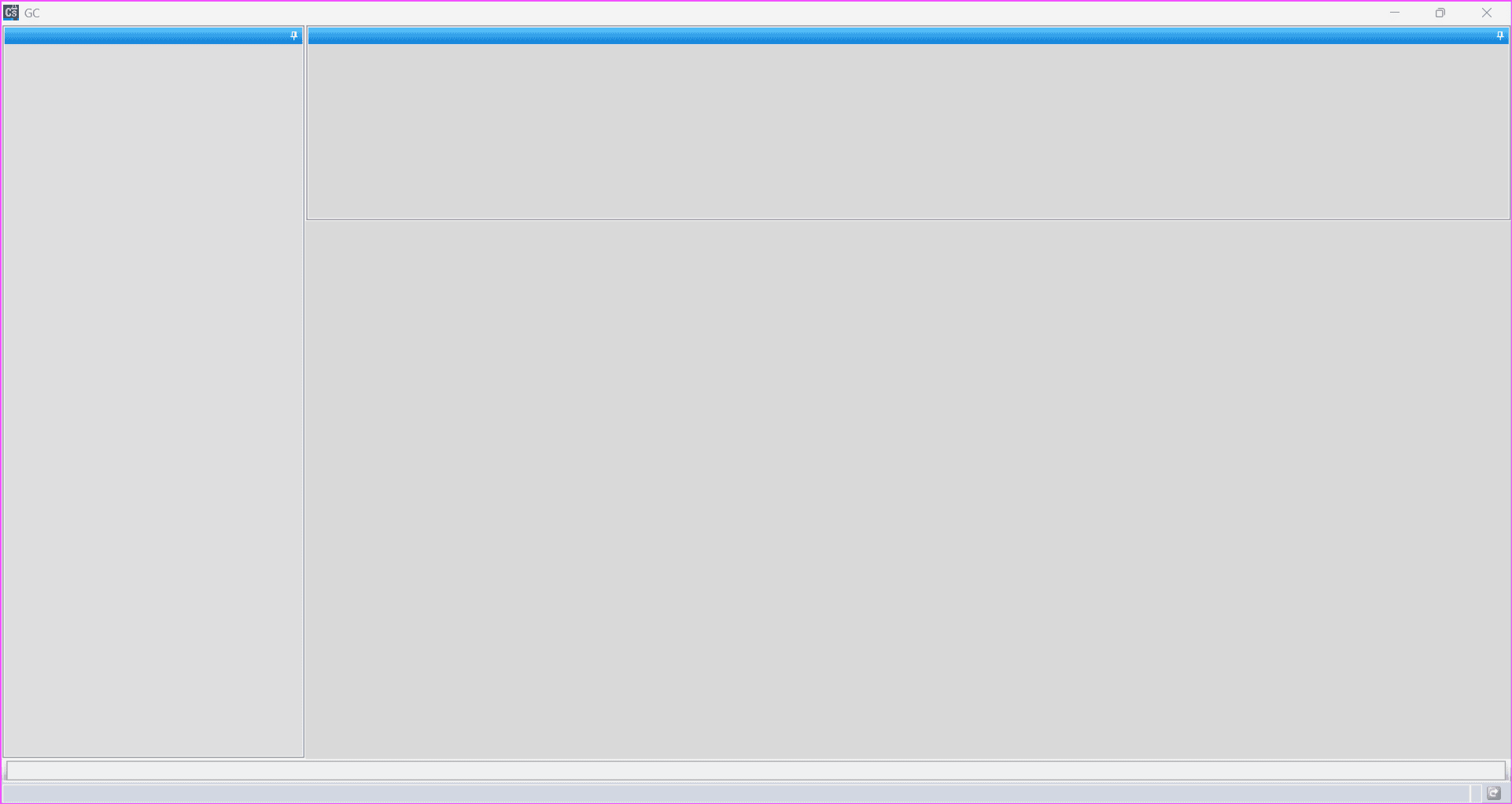
ChemStation Troubleshooting for Blank Screen Issue
If one day your ChemStation suddenly opens to a blank screen, it can be confusing and frustrating.
Fortunately, this case shows a simple check that can quickly restore the interface.
➡ ChemStation Blank Screen: How to Fix the Issue Quickly
ChemStation Troubleshooting for Method File Error
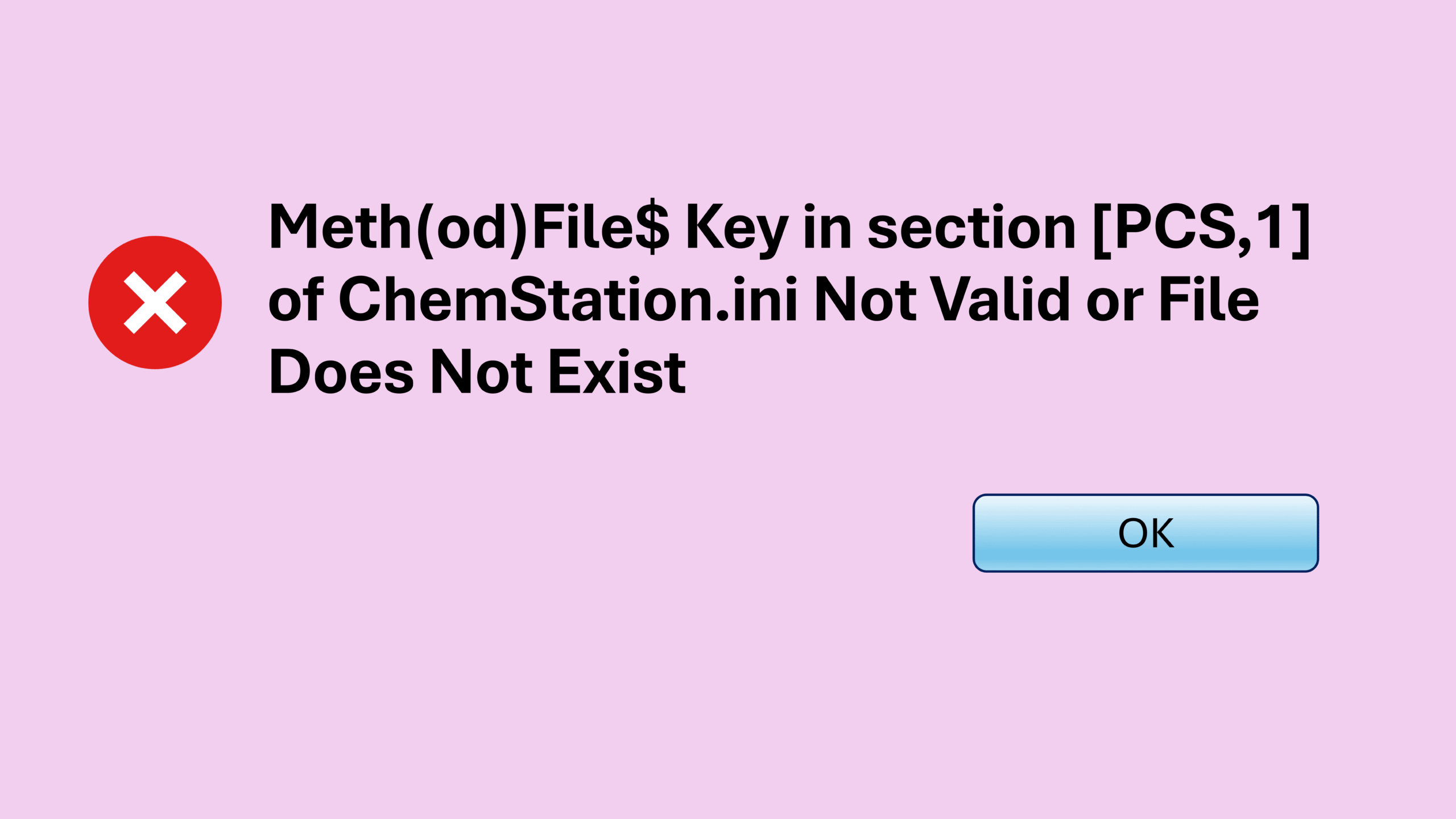
Sometimes ChemStation displays the following error message:
“Meth(od)File$ key in section [PCS,1] of Chemstation.ini not valid or the specified file does not exist”
When this happens, the method file cannot load correctly and the system stops functioning normally. This post explains why this configuration error occurs and how to fix it.
➡ ChemStation Method Error: Meth(od)File$ key in section [PCS,1] of Chemstation.ini not valid
ChemStation Troubleshooting for Sequence Crash
Another issue I have encountered is when ChemStation hangs or closes immediately after starting a sequence.
This type of behavior can interrupt important runs. However, this guide shows what caused the crash and how it was resolved.
➡ ChemStation Sequence Crash: How I Fixed a Sudden ChemStation Shutdown
ChemStation Troubleshooting for Configuration Initialization Error
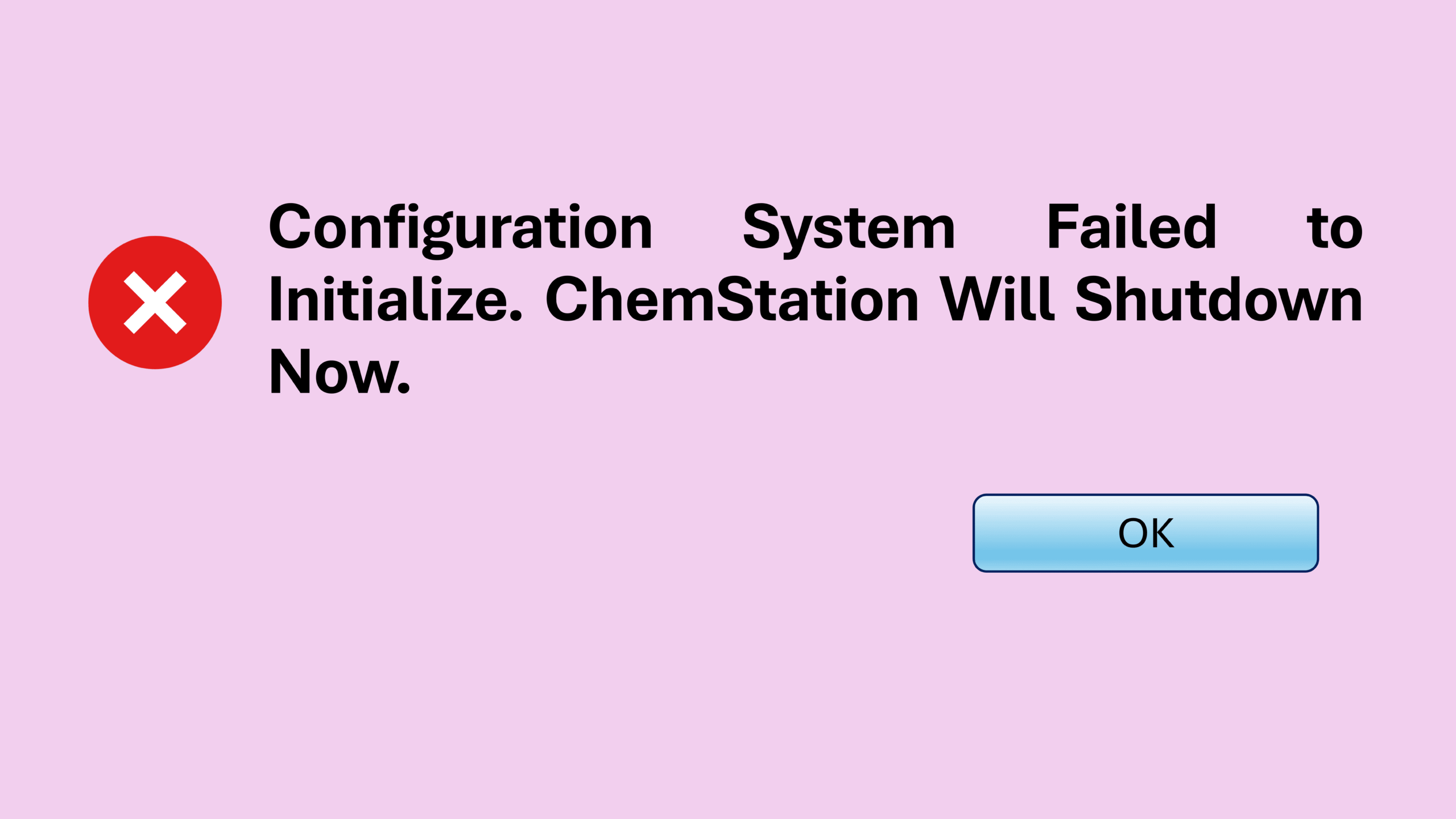
You may also encounter this error message:
“Configuration System Failed to Initialize. ChemStation Will Shutdown Now”
When this happens, ChemStation cannot complete the startup process. Fortunately, this article explains how to resolve the configuration problem.
➡ ChemStation Configuration Error: Fix Failed to Initialize
ChemStation Troubleshooting for License Error
Sometimes ChemStation refuses to start and displays this message:
“Failed to acquire one or more mandatory licenses”
Without the correct license, the software simply will not run. This post shows how the license issue was diagnosed and fixed.
➡ Fixing the ChemStation License Error: “Failed to Acquire One or More Mandatory Licenses”
ChemStation Troubleshooting When GC Goes Offline
In some situations, ChemStation goes offline as soon as a run begins.
This can be alarming because it looks like the instrument suddenly disconnects. However, this article explains one solution that successfully restored communication.
➡ ChemStation GC Offline When Starting a Run? Here’s One Fix That Worked
ChemStation Troubleshooting for Instrument Controller Error
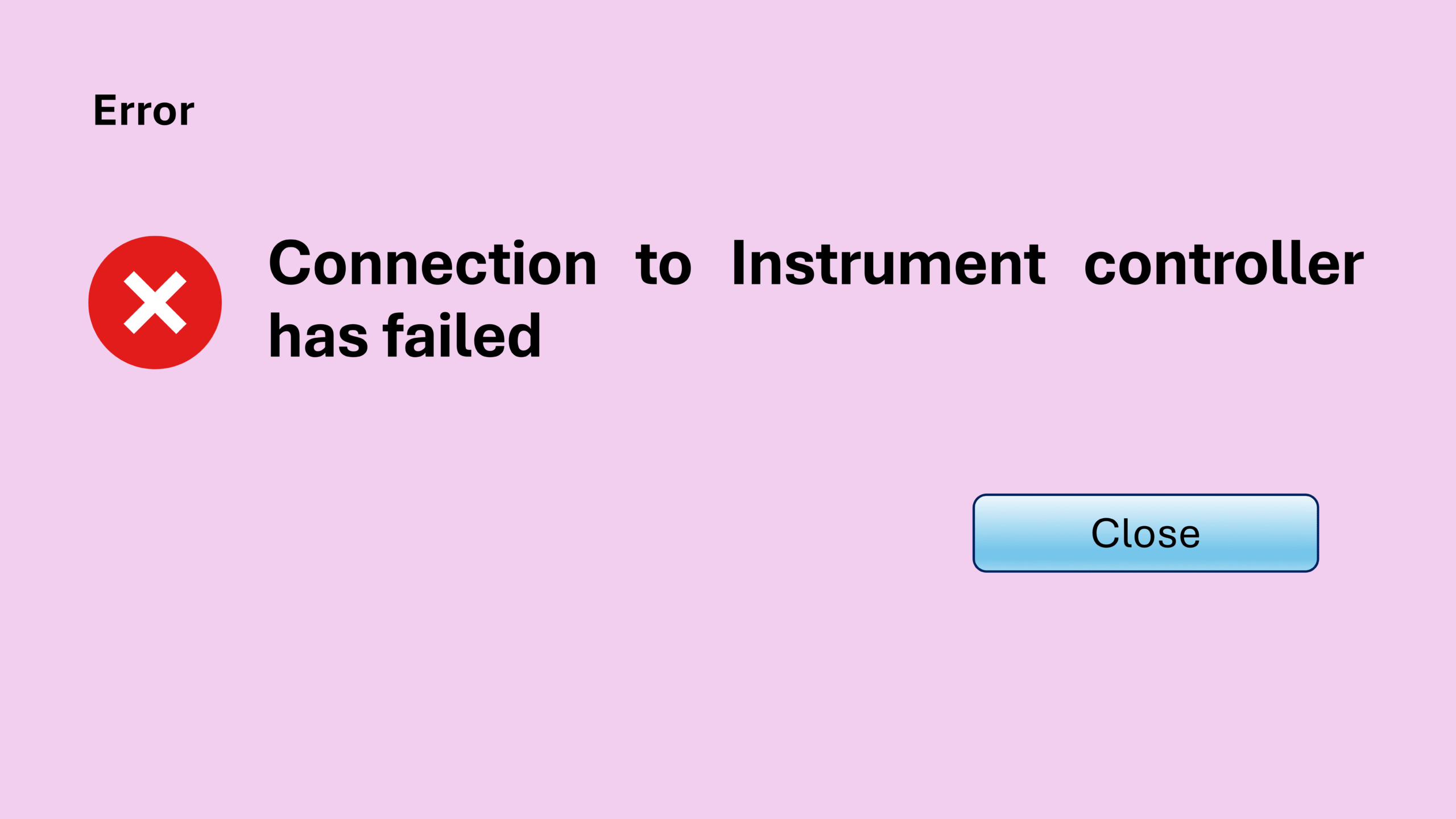
Another message you may encounter is:
“Connection to Instrument Controller has failed”
In this ChemStation troubleshooting case, the issue was related to a PC name mismatch, which prevented the system from communicating correctly.
➡ Chemstation Instrument Controller Error – How to Fix PC Name Mismatch
ChemStation Troubleshooting for Server Connection Failure
You may encounter the following message:
“Connection to the selected server failed”
When this happens, ChemStation cannot communicate with the server. This article explains the quick fix that restored the connection.
Key Takeaways
Working with Agilent OpenLab ChemStation often means dealing with unexpected software behavior. However, most problems fall into a few common categories:
- Configuration errors
- License issues
- Instrument communication failures
- Method or file configuration problems
- Server connection issues
This ChemStation troubleshooting page acts as a central hub that links all these fixes together so you can quickly find the solution you need.
Continue Exploring
If you frequently work with GC systems and ChemStation software, understanding these errors can save hours of downtime.
Feel free to bookmark this ChemStation troubleshooting page so you can quickly return whenever a new issue appears. As I encounter more problems and solutions, this list will continue to grow and help more ChemStation users.